> For the complete documentation index, see [llms.txt](https://docs.meteofivem.net/llms.txt). Markdown versions of documentation pages are available by appending `.md` to page URLs; this page is available as [Markdown](https://docs.meteofivem.net/packages/meteo-v2-package/scripts/meteo-phone.md).
# Meteo Phone
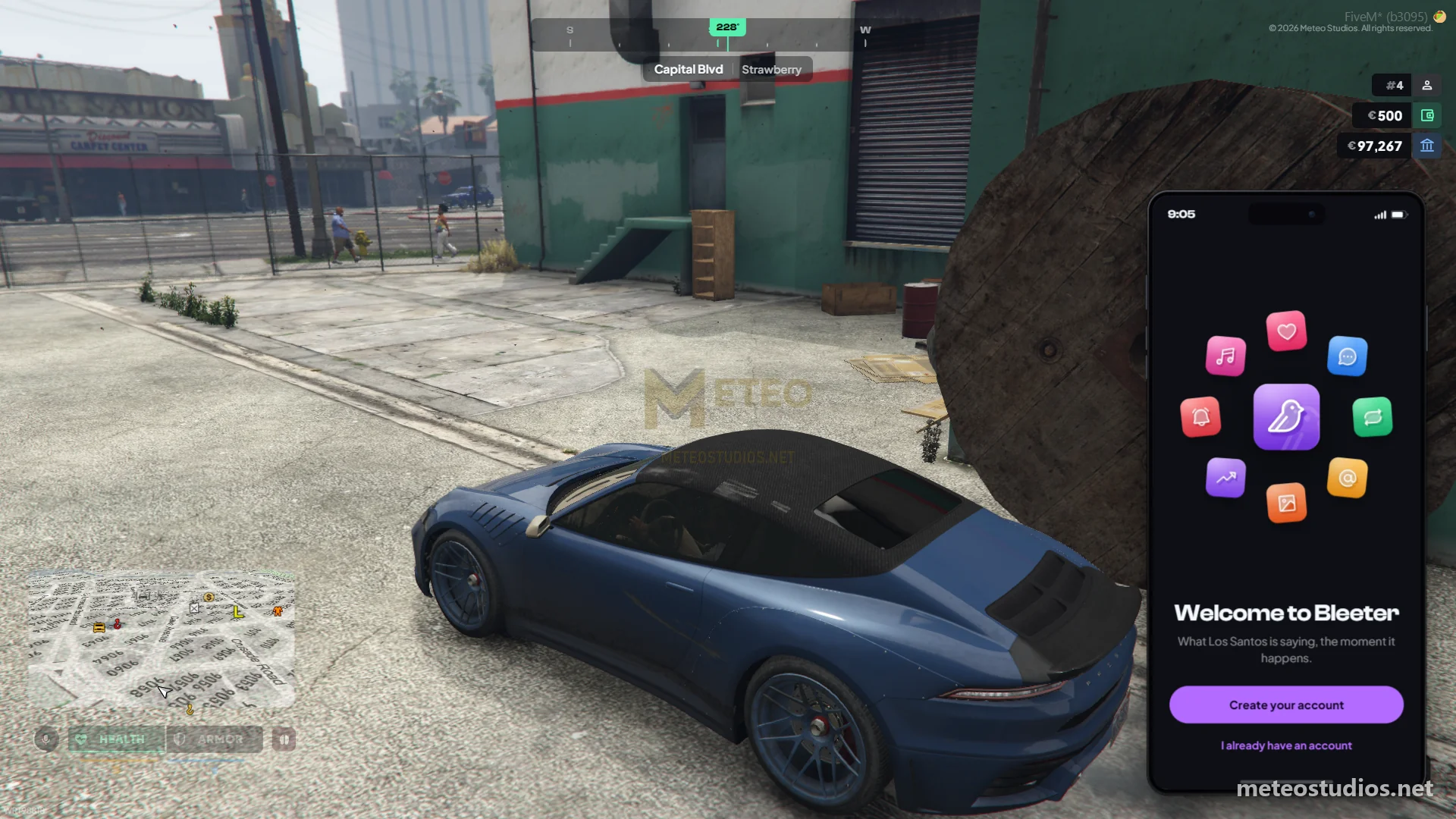
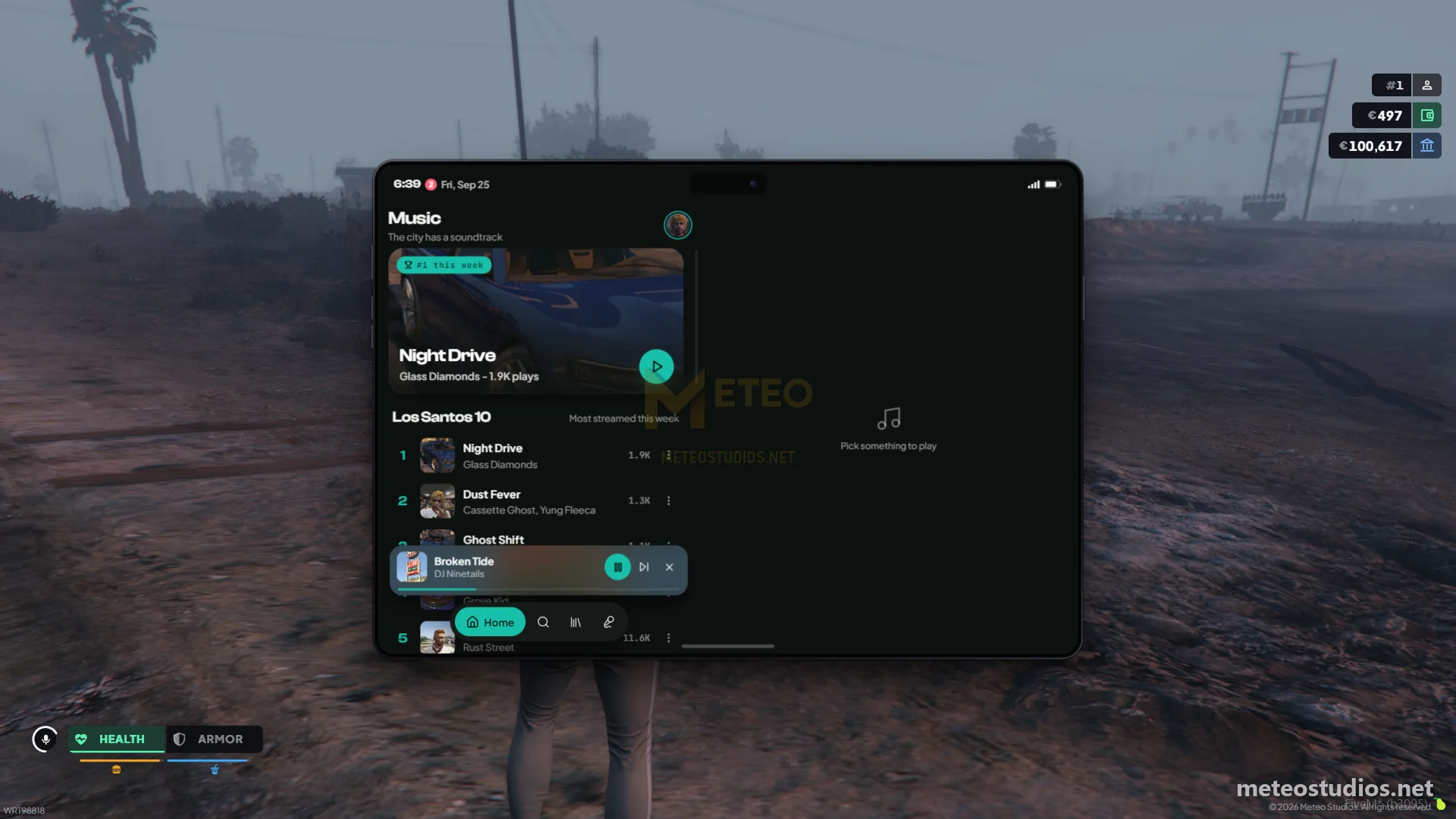
Meteo phone - fully rebuilt phone with calls, video calls, messages, camera, dynamic island, notification management and connected apps designed exclusively for the Meteo V2 package.
Meteo Phone
Meteo Phone
Meteo Phone
Meteo Phone
Meteo Phone
This is a guide about testing the Meteo V2 phone script designed exclusively for the Meteo V2 package.
{% hint style="info" %}
Get access to our exclusive video testing guide on Discord to see all of this in action.
{% endhint %}
{% hint style="success" %}
Try it yourself for free on our showcase server. [See here to get access](/packages/meteo-v2-package/how-to/how-to-access-showcase-server.md).
{% endhint %}
***
## Before You Start
* Access to the meteo showcase server
* Know how to [spawn items](/packages/meteo-v2-package/how-to/how-to-spawn-items.md)
* Familiar with [getting started](/packages/meteo-v2-package/getting-started.md) basics
***
## Getting Started
* The phone was fully rebuilt from the ground up on this update
* You will get a `phone` and a `sim_card` when you create a character
* Open the phone with `M` or `/phone`
* If the phone UI ever gets stuck, use `/reloadphone` to reload it, then open it again
{% hint style="warning" %}
Make sure to use these commands and check notifications and more on [test-commands](/packages/meteo-v2-package/scripts/meteo-phone/test-commands.md) - note these commands are only available on our showcase server so you can quickly check them.
{% endhint %}
***
## Testing Phone Features
Phone is connected with our scripts like banking, garages, tow, labor jobs, properties, the hustling job, services and more.
### Phone and SIM
* **Phone serial** - notes, mail, gallery, documents, calendar, map pins, settings and home screen layout are tied to the phone device
* **SIM card** - your number, contacts, calls and messages are tied to the SIM card
* Put the SIM in the phone SIM tray, swap SIMs between phones and your data follows the SIM
* SIM can be turned off and locked with a PIN (wrong PIN attempts put it on a cooldown)
* Your character's phone number is the number of the SIM you own
### Phone Store
Go to the Digital Den phone store with `/tp 1935.05, 3820.95, 32.47` (Sandy Shores) and talk to the clerk. You can pay cash or card.
* **Buy a phone** - a new unlocked phone
* **Buy a SIM card** - a new line with its own number
* **Lock a stolen phone** - whoever has it only sees a locked screen. You can put a message on it, like asking them to return it or call you. Unlock it again when you get it back
* **Bar a stolen SIM** - calls and texts stop on that card right away. Turn the line back on any time
* **Replace a SIM** - new card, same number. The old card stops working and your contacts and messages are still there
* **New number** - your old number is gone for good, and your contacts, favorites and blocked list move over to the new one
### Default Apps
* **Phone** - calls, video calls, recents, favorites, speakerphone and blocked numbers
* **Messages** - chats, group chats, reactions and sending photos, locations and events
* **Contacts** - manage contacts and share your contact card with nearby players
* **Camera** - photo camera you can walk around with, selfie lens, filters, flash and zoom
* **Gallery** - photos, albums, favorites and recently deleted
* **Apps** - install and remove apps
* **Settings** - wallpapers, ringtones, tones per app, volume, notifications, SIM, airplane mode, silent mode, focus and tablet mode
* **Notes**, **Mail**, **Documents**, **Calendar**, **Maps** and **Clock**
* **Bleeter** - social media, posts with photos, replies, quotes, multiple accounts
* **News** - read the news, reporters publish straight from the phone
* **Music** - listen, make playlists, apply as an artist and upload your own tracks
* **Pages** - public listings tied to your number
* **Services** - city services directory, call a business or emergency line (911, 311) and reach whoever is on duty
* **Garage** - see your vehicles, locate them and hand a vehicle over to another player. An impounded vehicle shows how long it is still held
* **Groups** - create a crew and invite players to do jobs together
* **Labor** - civilian job board, installed by default and shown while a civilian job script is running. See [Civilian Jobs](#civilian-jobs) below
### Connected Apps
These apps only show up when the script behind them is running on the server and you have access to them.
* **Bank** - your bank, connected with meteo-banking
* **Properties** - manage your properties, connected with [meteo-properties](/packages/meteo-v2-package/scripts/meteo-properties.md)
* **Tow** - tow job board, connected with the meteo-garages depot and impound
* **Grindr** - shows up once you unlock the [hustling job](/packages/meteo-v2-package/scripts/meteo-hussling.md), used to meet buyers
### Civilian Jobs
The job tablet was removed. Civilian jobs now clock in and clock out through the **Labor** app on the phone. It is installed by default, so you do not need to get it from the App Store.
* The Labor app has four tabs: **Dashboard**, **Awards**, **Rankings** and **History**
* Open **Find work** on the Dashboard to see every job the city hires for and where to turn up
* Get your work vehicle from the job, sit in it and clock in from the Labor app. Clock out from the app when you are done, and take dispatch offers as they come in
* Each job keeps its own level, perks and leaderboard, and every paid task keeps a receipt
* Doing a job with friends? Create a crew in the **Groups** app - the crew leader clocks the crew in
* Jobs connected to the Labor app: cleaning, electrician, fishing, GoPostal, repo, taxi and transit
### Things to Check
{% stepper %}
{% step %}
#### Send and receive messages
{% endstep %}
{% step %}
Try sending and receiving messages and group chats between players. Send a photo, a location or an event into a chat.
{% endstep %}
{% step %}
#### Make phone calls and video calls
{% endstep %}
{% step %}
Test both regular and video calls. Try the speakerphone - nearby players can hear it, and they can hear your phone ring too.
{% endstep %}
{% step %}
#### Check the dynamic island
{% endstep %}
{% step %}
Start a call, play music or clock in to a job and check the dynamic island at the top of the phone.
{% endstep %}
{% step %}
#### Take photos with camera
{% endstep %}
{% step %}
Use the camera app to take photos, walk around while framing, switch to selfie, try the filters and check the gallery.
{% endstep %}
{% step %}
#### Install apps from the Apps app
{% endstep %}
{% step %}
Browse, install and remove apps. Move apps around the home screen and add widgets.
{% endstep %}
{% step %}
#### Manage notifications
{% endstep %}
{% step %}
Go to Settings > Notifications and change banners, sounds, badges and previews per app. Try silent mode and focus.
{% endstep %}
{% step %}
#### Create bleeter account and post
{% endstep %}
{% step %}
Create an account and make some posts with photos.
{% endstep %}
{% step %}
#### Clock in to a civilian job
{% endstep %}
{% step %}
Open the Labor app, pick a job from Find work, get the work vehicle and clock in while sitting in it. Accept a dispatch offer and check the receipt once you get paid.
{% endstep %}
{% step %}
#### Call a service
{% endstep %}
{% step %}
Open the Services app and call a business or emergency line. Players on duty for that job get the call.
{% endstep %}
{% step %}
#### Locate and hand over a vehicle
{% endstep %}
{% step %}
Open the Garage app, locate one of your vehicles and try handing it over to a nearby player.
{% endstep %}
{% step %}
#### Try all the wallpapers and ringtones in settings
{% endstep %}
{% step %}
Go through the wallpapers (Meteo designs, colors, your photos or a link) and ringtones.
{% endstep %}
{% step %}
#### Lock your SIM with a PIN
{% endstep %}
{% step %}
Set a SIM PIN in settings, then try to use the SIM with a wrong PIN.
{% endstep %}
{% step %}
#### Lock a stolen phone at the phone store
{% endstep %}
{% step %}
Give a phone to another player, then go to the phone store and lock it with a message. Check their screen, then unlock it again.
{% endstep %}
{% step %}
#### Check event reminders on calendar
{% endstep %}
{% step %}
Create an event, share it in a chat and check the reminder.
{% endstep %}
{% endstepper %}
***
## Make Sure to Check Out
* Phone comes with video calls, dynamic island, notification management, home screen widgets, tablet mode, speakerphone, advanced music app with artist support, event reminders, signed documents and more features than you think :)
* Make sure to check out our full meteo phone videos
***
## Good to Know
{% hint style="success" %}
Phone store prices and switches are in **Script Settings** > **Meteo Phone**, and the stores are placed in game with the **Phone stores** creator. All app settings, limits and features are configurable on our config. We will guide you :)
{% endhint %}
* Phone serial based data (notes, mail, gallery, documents, calendar) is tied to the physical phone device
* SIM card based data (messages, contacts, calls) is tied to the phone number
* Other scripts can add their own apps to the phone
* More apps and features will be added on future updates based on your feedbacks